Always launch your dev serverin Chrome Incognito.
A lightweight, zero-dependency CLI that runs your dev server and opens localhost in a private browser window — Chrome, Brave, or Edge.
✔ Dev Command: npm run dev
✔ Browser: Google Chrome (Incognito Mode)
VITE ready in 214 ms
➜ Local: http://localhost:5173/
✔ Active port detected: 5173
🔍 Opening in Google Chrome (Incognito Mode)...
✅ Browser launched successfully!
Demo
See it in action
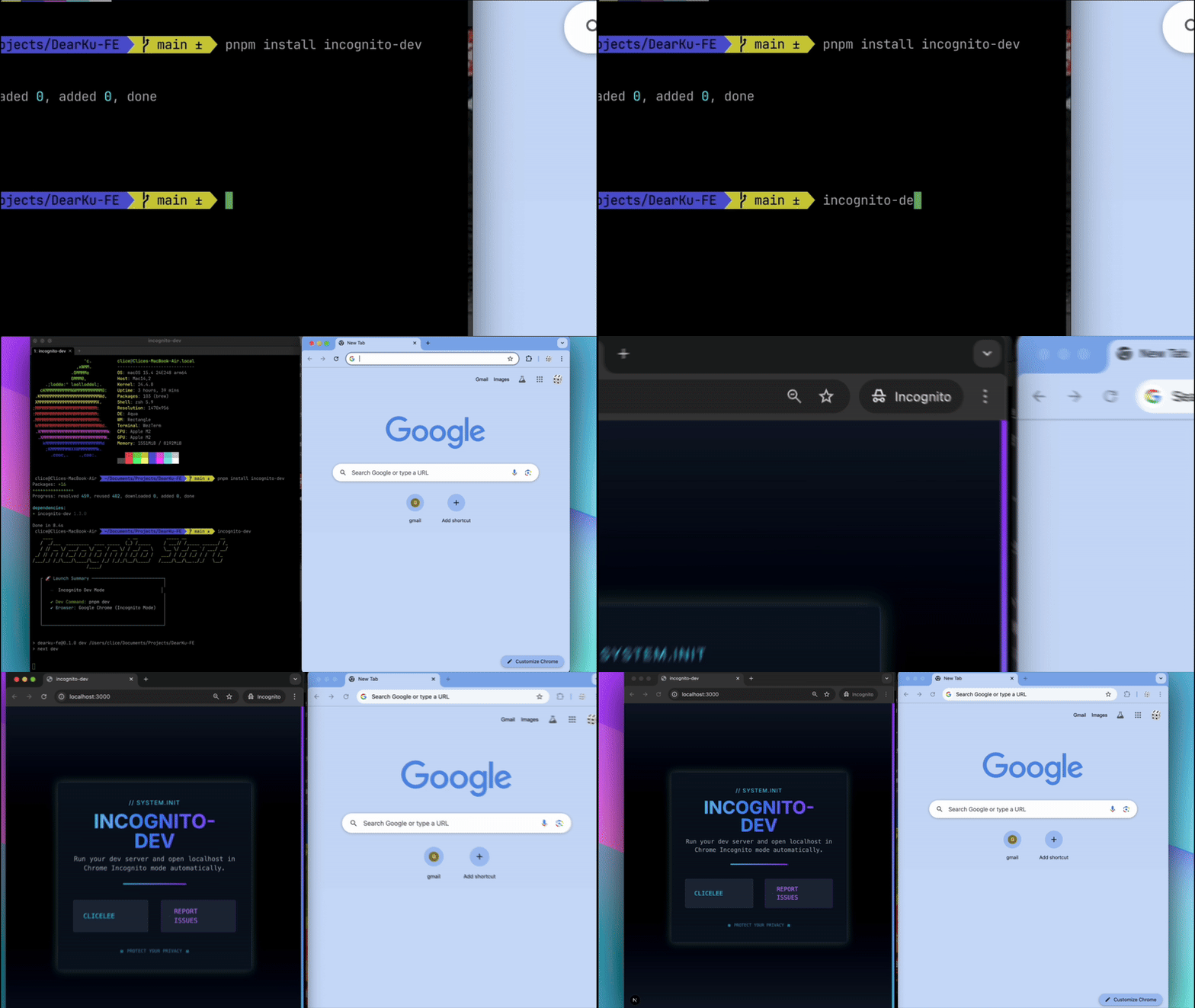
One command in the terminal, and your app opens in a fresh incognito window.
Install
Zero cache. One command.
Automate your local development with a clean, cache-free environment — every time.
One command for a clean dev start
incognito-dev runs your local dev server in a private browser window, so you can test your apps with a clean slate — no cached sessions, no leftover cookies.
Always opens in Incognito Mode — Chrome, Brave, or Edge
Automatically detects your package manager (npm, yarn, pnpm, bun)
Zero dependencies — npx starts nearly instantly
Launches dev server + browser with one command
No more copy-pasting localhost:3000 manually
Global install
$npm install -g incognito-dev
One-time use
$npx incognito-dev
Options
$incognito-dev --browser brave
--browser chrome · brave · edge | --help
Zero Session Surprises
Always start from a fresh browser context. Perfect for login and auth testing.
Launch Instantly
Zero dependencies, so it starts in a blink — no setup, no copy-pasting localhost links.
Safe by Default
Open suspicious packages or test APIs with peace of mind in Incognito mode.
How it works
From terminal to browser in seconds
incognito-dev automates every step of launching your local dev environment — from running your server to opening it in a clean browser session.
Detect Your Package Manager
Automatically detects whether you're using npm, yarn, pnpm, or bun — no config needed.
Run the Dev Command
Starts your dev server using your project's configured dev script (npm run dev, yarn dev, pnpm dev, or bun run dev).
Detect the Local URL
Watches your dev server's output and picks up the localhost URL the moment it appears — whatever port it lands on.
Launch in Private Mode
Opens your local server in Chrome Incognito — or a Brave / Edge private window with the --browser option.